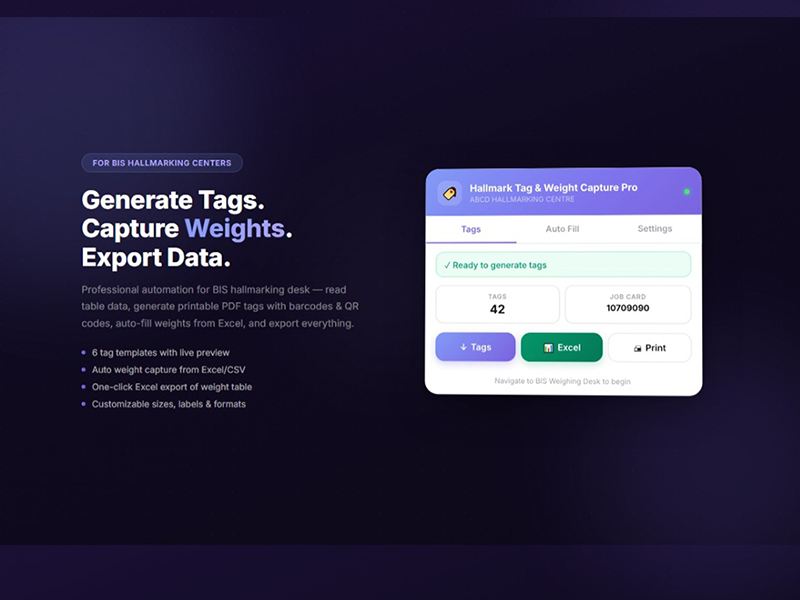
Stop wasting hours on manual data entry. Generate professional HUID tags instantly and automate weight capture from Excel. Browser-based, secure, incredibly simple.
Professional Automation, Reliable Innovation
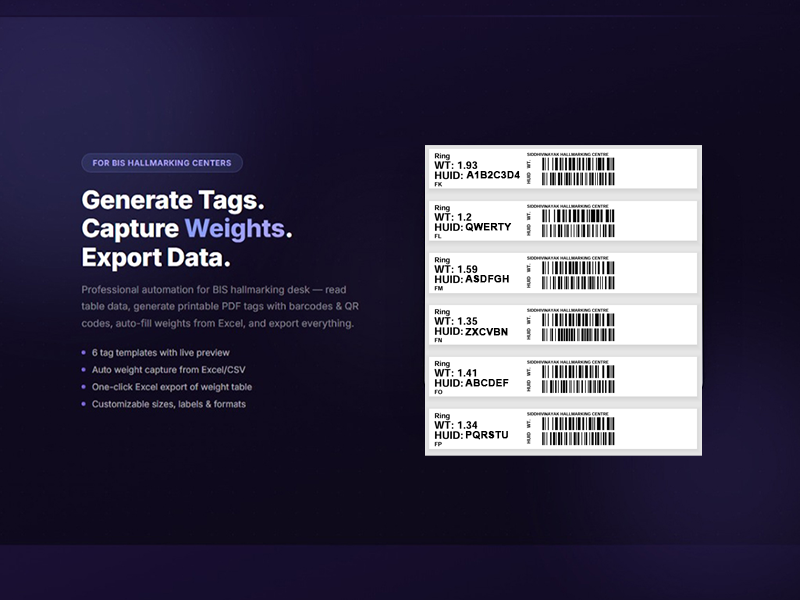
Click extension icon on BIS portal, select items, generate PDF. Tags with barcodes ready in seconds.
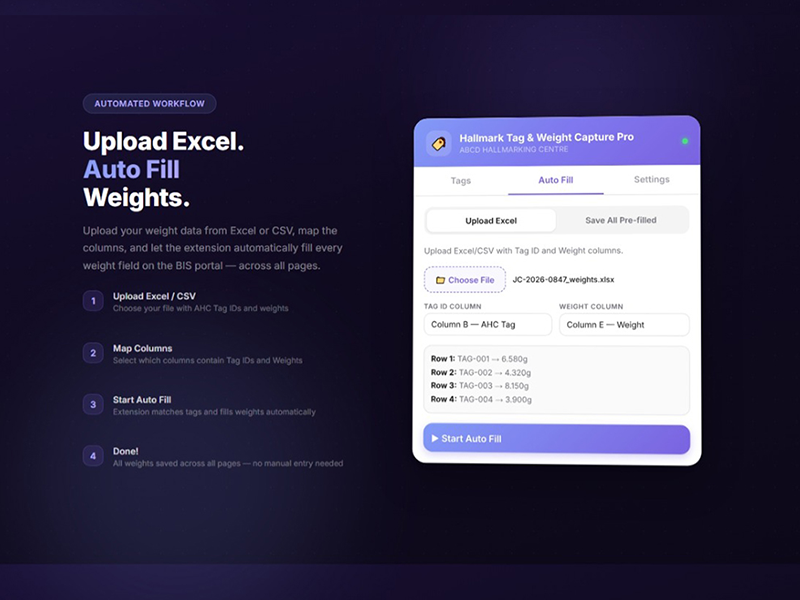
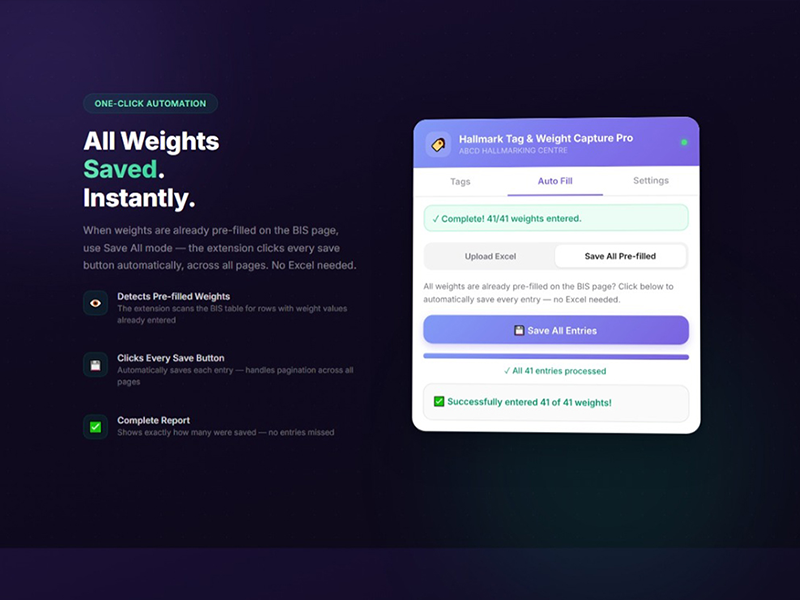
Upload Excel, click Auto-Fill, watch it work. Batch process dozens of items with progress tracking.
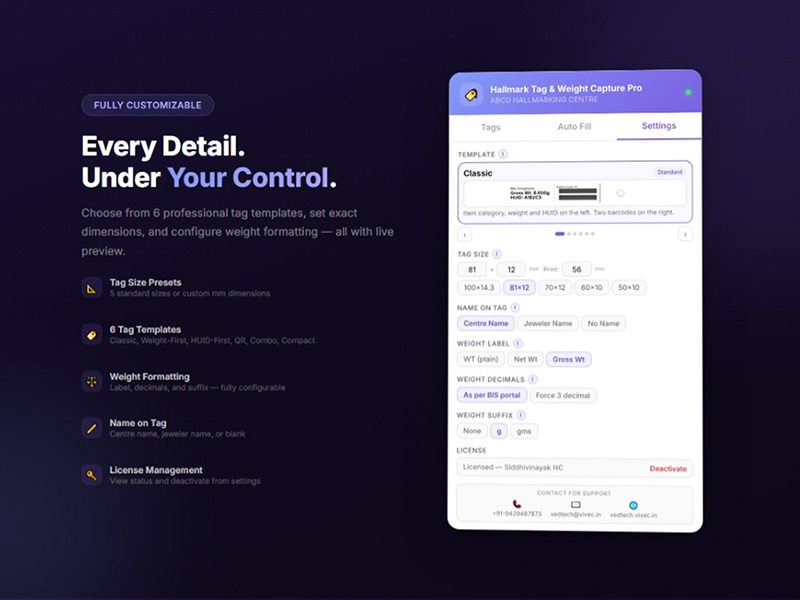
Pre-built professional layouts. Customizable designs. Support for different label sizes.
Approved by Chrome, Edge, Firefox. Meets strict security standards. Your data never leaves browser.
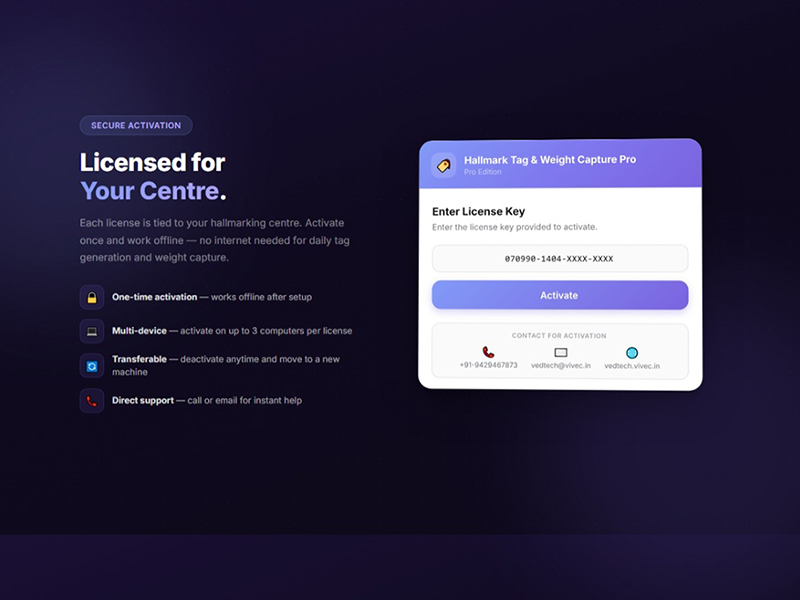
One license works on all browsers on your PC. Switch computers easily. Simple serial activation.
Configure every detail. Font sizes, barcode types, layouts. Total control at your fingertips.
See how easy it is to automate your HUID workflow
2-3 min walkthrough of all features and benefits
1 min demo showing instant tag creation with barcodes
1 min demo of automated Excel weight filling
Clean, intuitive design that's easy to use
From installation to productivity in under 5 minutes
One-click install from your browser store. Enter license serial number. Ready in 60 seconds.
Open BIS portal as usual. Extension automatically activates on the correct pages.
Click extension icon. Generate tags or auto-fill weights. Download results. Done!
Select duration below to see discounts for each device option
๐ก Longer commitments = bigger discounts. All plans include full features and support.
Side-by-side comparison with traditional solutions
| Feature | VEDTECH | Traditional Software |
|---|---|---|
| Installation | โ One-click from browser store | โ Complex PC installation |
| Multiple PCs | โ Any PC, any browser, any OS | โ Single PC only |
| Security | โ Browser store approved | โ Unverified software |
| Remote Access | โ Never needed | โ Required for installation |
| Customization | โ Extensive settings | โ Fixed format only |
| Excel Flexibility | โ Works with your format | โ Rigid template required |
| Batch Processing | โ Automated bulk process | โ Manual one-by-one |
| Support | โ Self-service + quick support | โ Wait for developer |
| Cross-Platform | โ Windows, Mac, Linux | โ Windows only |
Everything you need to know about VEDTECH
One license covers one PC across all browsers (Chrome, Edge, Firefox, Comet). You can install the extension on multiple browsers on the same PC using the same serial number.
Yes! We offer live demos where you can see the extension working with your actual BIS portal data. Contact us to schedule a demo session.
Absolutely. The extension is approved by Chrome, Edge, and Firefox stores after rigorous security reviews. All data processing happens locally in your browser. Nothing is ever sent to external servers.
Easy! Simply deactivate the license on your old PC through the extension settings, then activate it on your new PC using the same serial number. No developer involvement needed.
Yes, we provide comprehensive training during setup. The extension is designed to be intuitive, and training typically takes 15-20 minutes.
We monitor BIS portal changes closely and release updates promptly. Updates are automatic through browser stores - you don't need to do anything.
Yes! VEDTECH includes multiple pre-built formats and extensive customization options. If you need a completely custom format, we offer customization services.
Yes! Unlike rigid software that requires specific Excel templates, VEDTECH adapts to your format. Use your existing Excel files without modification.
Tag generation is instant - all tags generated in one click. Weight capture processes ~1-2 entries per second. It's 10X faster than manual entry.
We provide phone, email, and WhatsApp support. Most issues are resolved within hours. We're available Monday-Saturday, 9 AM - 6 PM IST.
We'll respond within 24 hours
Monday - Saturday
9:00 AM - 6:00 PM IST
Privacy Policy | Terms of Service (Coming Soon)
Leave your email and we'll send you an exclusive demo video showing VEDTECH in action.